Your identity,
in your pocket. Free.
The HexaEight Authenticator turns your email into a secure identity. Verify once, then scan a QR code to sign in anywhere — no per-site passwords, nothing to leak.
Free · no signup form · works with a valid email · by HexaEight
What you get
One free app. One identity. No passwords to juggle.
Free, forever
A digital identity token for anyone with a valid email. No fee, no subscription, no catch.
One scan to sign in
Scan a HexaEight QR code to sign in to any connected website, app — or an AI agent acting for you. No per-site passwords.
Only you hold the key
Your token is protected by a password only you know. It is never stored on your phone or on our servers.
Get your free token in 4 steps
Under two minutes, no signup form, no payment.
Open the app
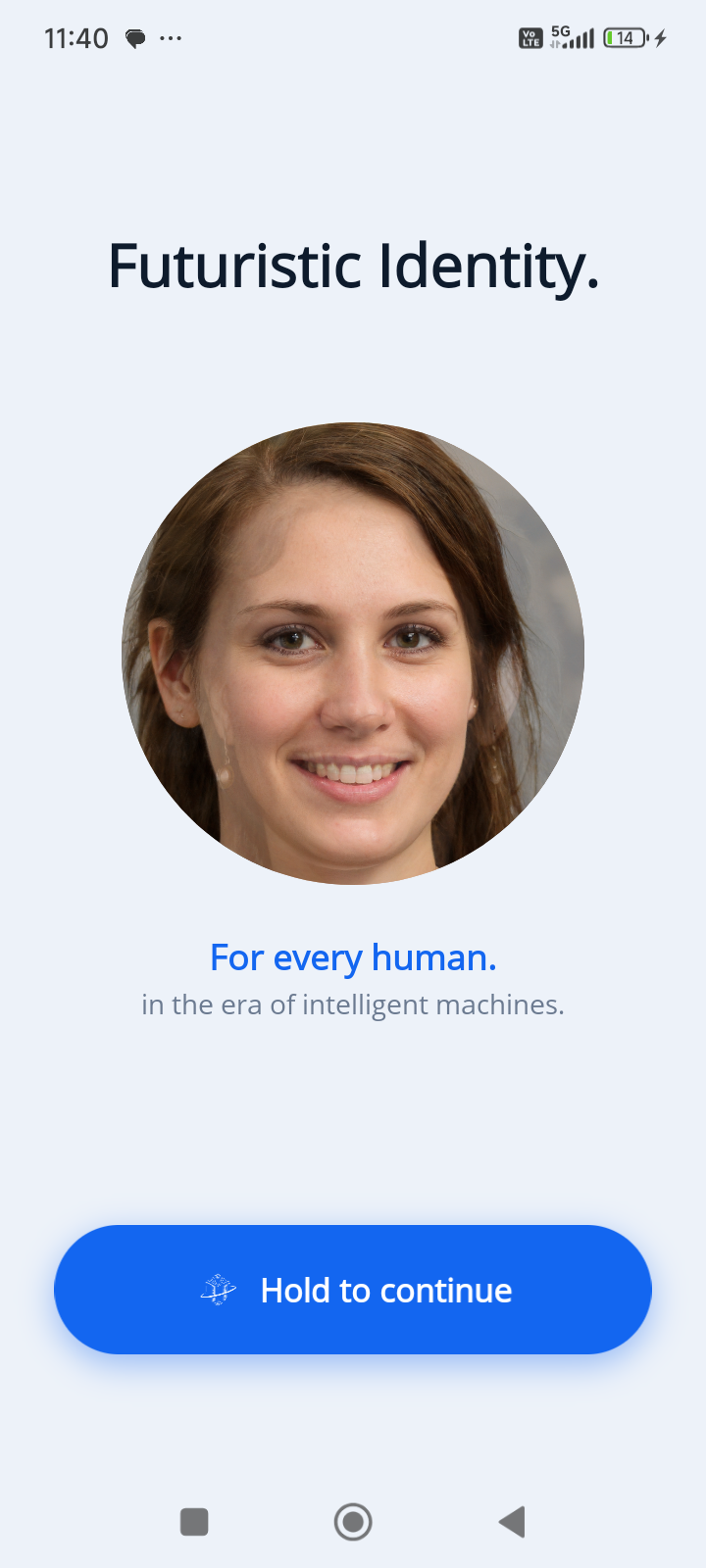
Download the HexaEight Authenticator and open it. Hold to continue past the welcome screen.
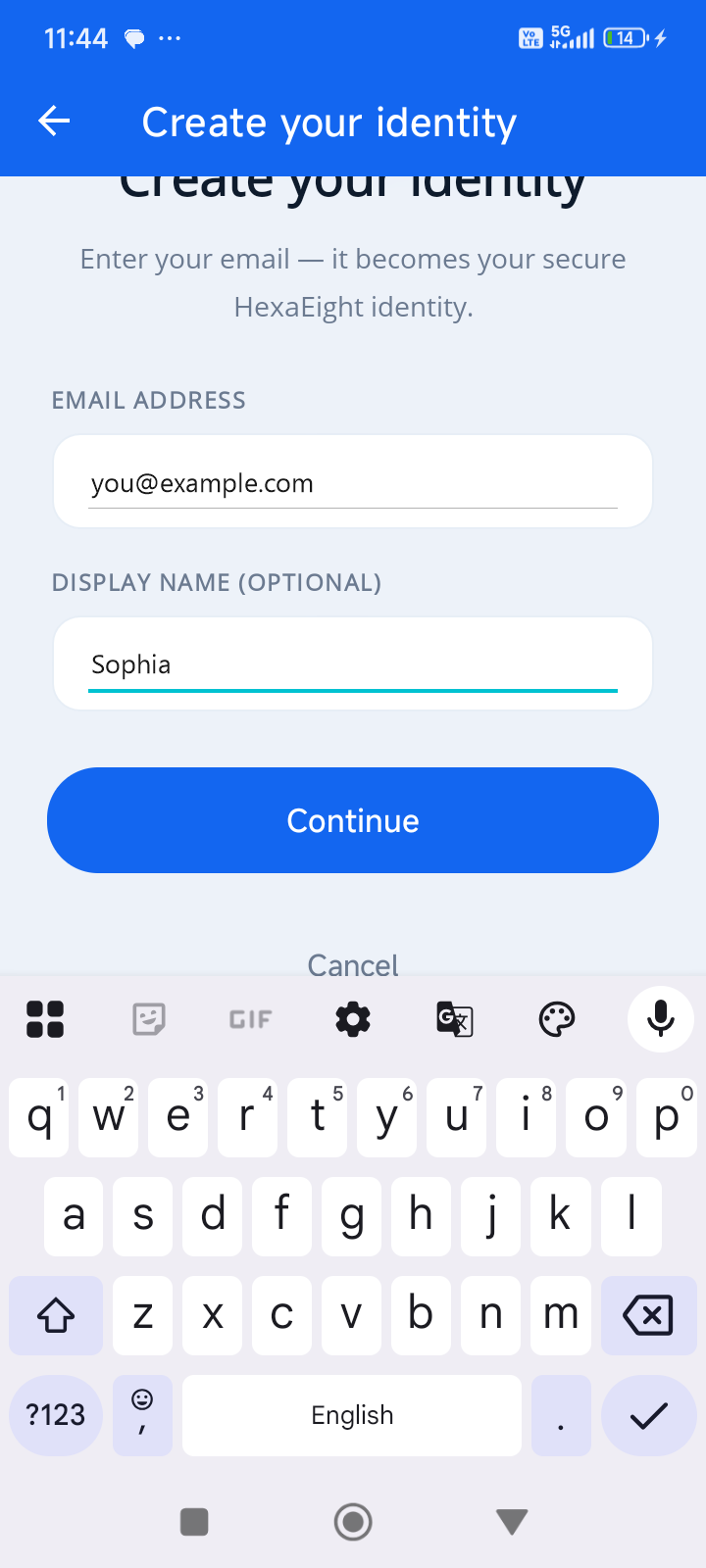
Create your identity
Enter your email — it becomes your secure HexaEight identity. Add a display name if you like.
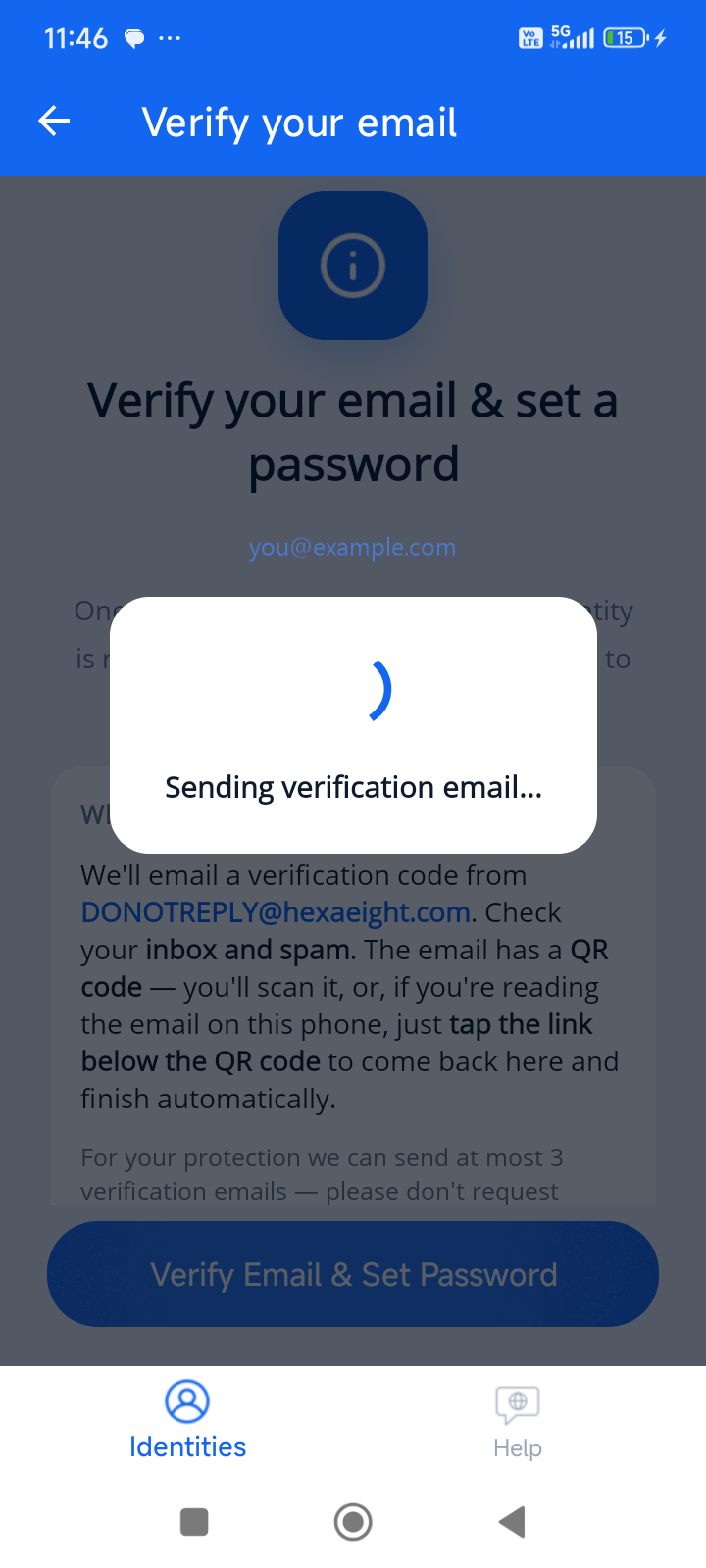
Verify email & set a password
We email you a QR code. Scan it (or tap the link if you're reading on the same phone) and set a password only you know.
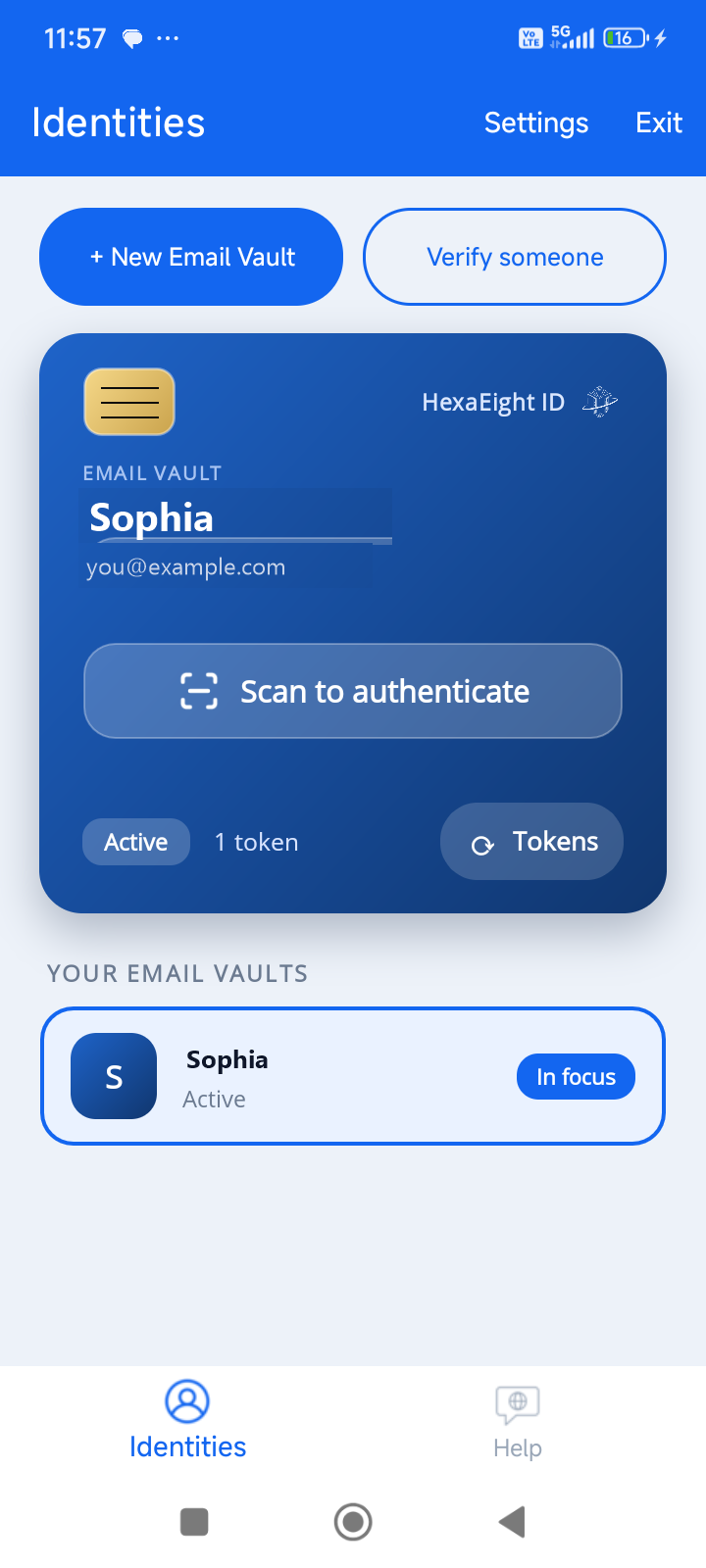
Your free token is ready
That's it. Your identity is active with a free token. Tap "Scan to authenticate" any time you need to sign in.
Frequently asked Questions
Get your free identity now.
Download the app, verify your email, and you're done. Free, forever.