2 · Install your agent identity
An agent is an identity that encloses your work. Before anything else, that identity has to exist — and it is issued to you, cryptographically, not configured by you.
You have a vault on your phone and a resource under it. This step binds that resource to this machine and gets an agent running under it.
Keep the phone to hand: activation is approved there, not in the terminal. If you have not done step 1 yet, do that first.
Install the tool
Section titled “Install the tool”dotnet tool install --global HexaEight.ActivateOne tool does the whole lifecycle. Every command it runs acts on the current directory, so an agent lives in a folder and you work inside it.
Activate the identity
Section titled “Activate the identity”mkdir my-agent && cd my-agenthexaeight-activate newtokenIt asks for three things and then shows a QR code:
| prompt | what to give it |
|---|---|
| resource name | see below — a generated name, or one on your own domain |
| password | a new password for this resource — not your identity’s password. Press Enter to generate one |
| licence code | emailed to you after purchase at store.hexaeight.com |
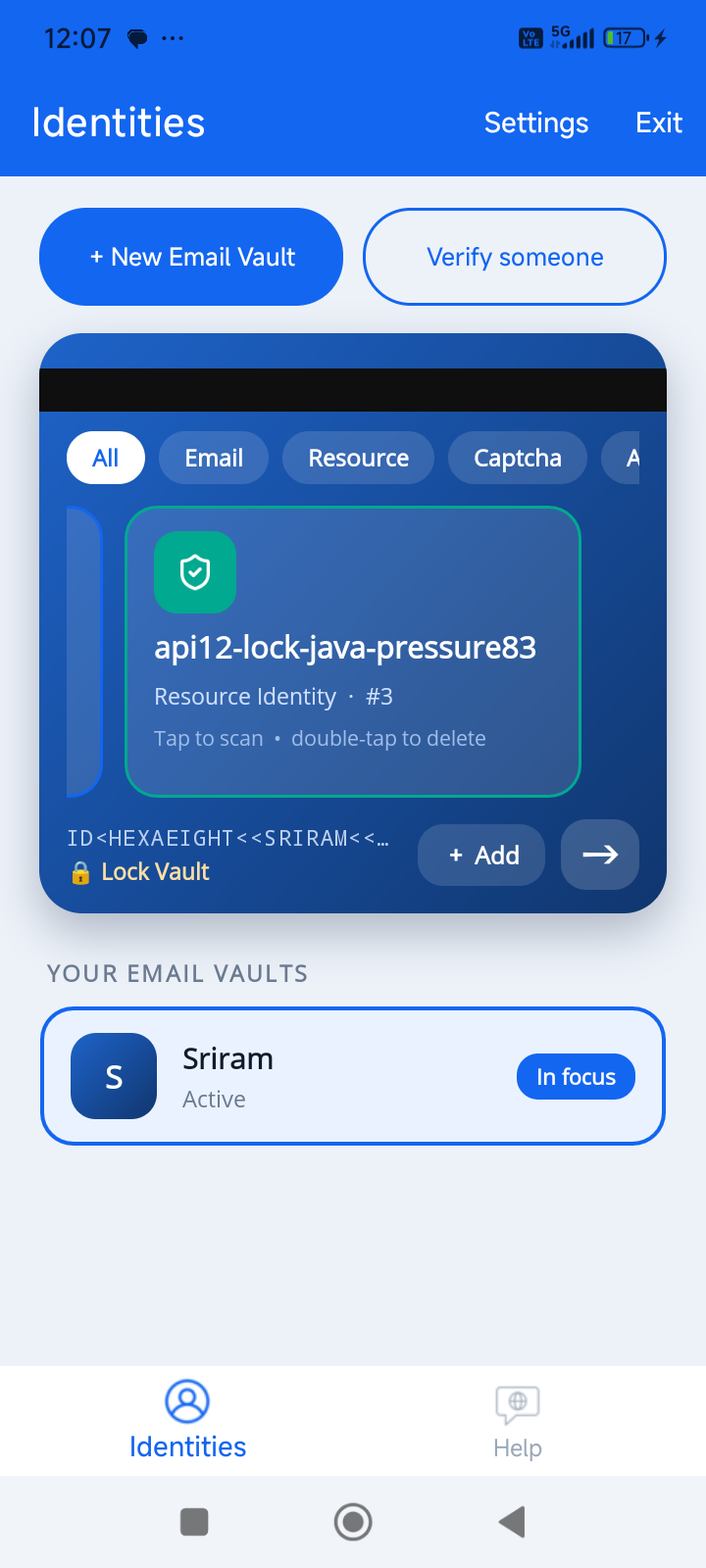
The resource name is the one to think about. A generated name is fine when nobody needs to recognise it; a name on your own domain is better when they do. Both are explained in step 1 — pick there, then type that resource’s name here.
Whichever you chose, it sits under your email vault: the vault is the person, the resource is the agent. That is what puts a provable person behind every agent.
Approve the QR code on your phone.
The whole activation, start to finish. Scanning the QR code with the Authenticator is the normal path. If you cannot scan it — a headless server, or a terminal that will not render the code — the URL printed underneath opens the same approval in any browser.
Two files appear:
| file | what it is |
|---|---|
env-file | the identity’s environment |
hexaeight.mac | binds this identity to this machine |
Three things are tied together
Section titled “Three things are tied together”This resource’s password, its licence code, and the hexaeight.mac on this machine are
bound to each other. Keep the password — it cannot be changed later, and it is needed whenever
this resource is activated again.
Losing it is the problem; leaking it alone is not. Encrypting or decrypting anything needs three things together: the identity, its password, and the ASK issued for it. A password on its own opens nothing.
These two files are the identity. Treat them the way you would a private key:
- never copy them to another machine —
hexaeight.macis machine-bound and the licence will not validate elsewhere - if one machine needs the same identity in two folders, hardlink
hexaeight.mac; do not copy it - never commit them
The name you are given looks like web0-quiet-amber-fern42. That is the agent’s identity. It is not
an email address — agents are named by machine, people by email. See
Identity.
Check it worked
Section titled “Check it worked”hexaeight-activate verify-licenseThis is the fast check — one call, one answer. (verify-env checks more but takes minutes; save it
for when something is actually wrong.)
Install the agent
Section titled “Install the agent”hexaeight-activate install-agentDownloads the agent for this platform and verifies it against a published hash before it will run. A binary that does not match is deleted rather than executed.
Set the owner
Section titled “Set the owner”Open hexaeight-agent.json and set your email:
{ "port": 8770, "license": { "type": "personal" }, "jail": { "enabled": true }}owner is not optional. Without it, no permission rule is enforced at all — every rule is
present and none is applied.
Write the baseline permissions
Section titled “Write the baseline permissions”Nothing can reach a new agent until you say so, including you. This writes the rules that let the owner sign in and the agent do its own work. Policy explains each one.
Do not start it yet
Section titled “Do not start it yet”The agent is installed and configured, but start the router first. An agent started before its router reports a licence error that has nothing to do with the licence, and it is a confusing first experience.
Step 3 installs the router and then starts the agent, in that order.
What is in the folder now
Section titled “What is in the folder now”my-agent/ env-file the identity — never copy hexaeight.mac machine binding — never copy hexaeight-agent.json configuration — you edit this engines.he what it can do — sealed, edited via the CLI policy.csv who may do what — sealed, edited via the CLI agent.log what it didThe sealed files are encrypted under the agent’s own key. Change them through
hexaeight-activate, never with an editor.
Next: 3 · Connect a model — the agent cannot reason until it can reach a model, and the router has to be running before the agent starts.